
How to Access Moana Casino Login on Android in the UK
Searching for “Moana Casino login” on an Android phone should lead to a straightforward process: confirm that the casino is available to you, use its official website or verified app if one exists, and sign in with the details you registered. The phrase “How to Download moana casino login for Android in the UK” can be misleading, though. A login is not an app, and a casino’s availability or licensing can change. Before installing anything or depositing money, check the operator’s current terms and UK regulatory status.
This guide explains how to approach access from an Android device, what to check before downloading software, and how to handle common login and verification issues. It does not assume that Moana Casino currently holds a UK Gambling Commission licence or offers services to people in Great Britain; verify that directly through official sources before proceeding.
Start with availability and safety
Online gambling rules depend on where you live and which operator provides the service. In Great Britain, a business offering remote gambling to consumers generally needs the appropriate licence from the UK Gambling Commission (UKGC). Search the UKGC public register for the exact company name shown in the casino’s terms and conditions, not just the brand name. A familiar-looking website or a page written in English is not proof that an operator is authorised for UK customers.
If you cannot confirm that the operator is permitted to serve your location, do not create an account, use a virtual private network to get around a restriction, or send payment details. A site may block UK registrations, and attempting to bypass geographic controls can breach its terms. Also check whether the domain is genuine: follow links from a verified operator source rather than adverts, social-media posts, or unofficial “APK download” pages.
Quick checks before signing in
- Confirm the operator’s legal name and licence status using the UKGC register when relevant.
- Read the site’s terms, privacy notice, withdrawal rules, and geographic restrictions.
- Check that the address begins with HTTPS and that the domain spelling is exact.
- Avoid APK files supplied by third-party download sites or unsolicited messages.
- Never share a password, one-time code, or payment security details with someone claiming to be support.
How to access the casino on an Android phone
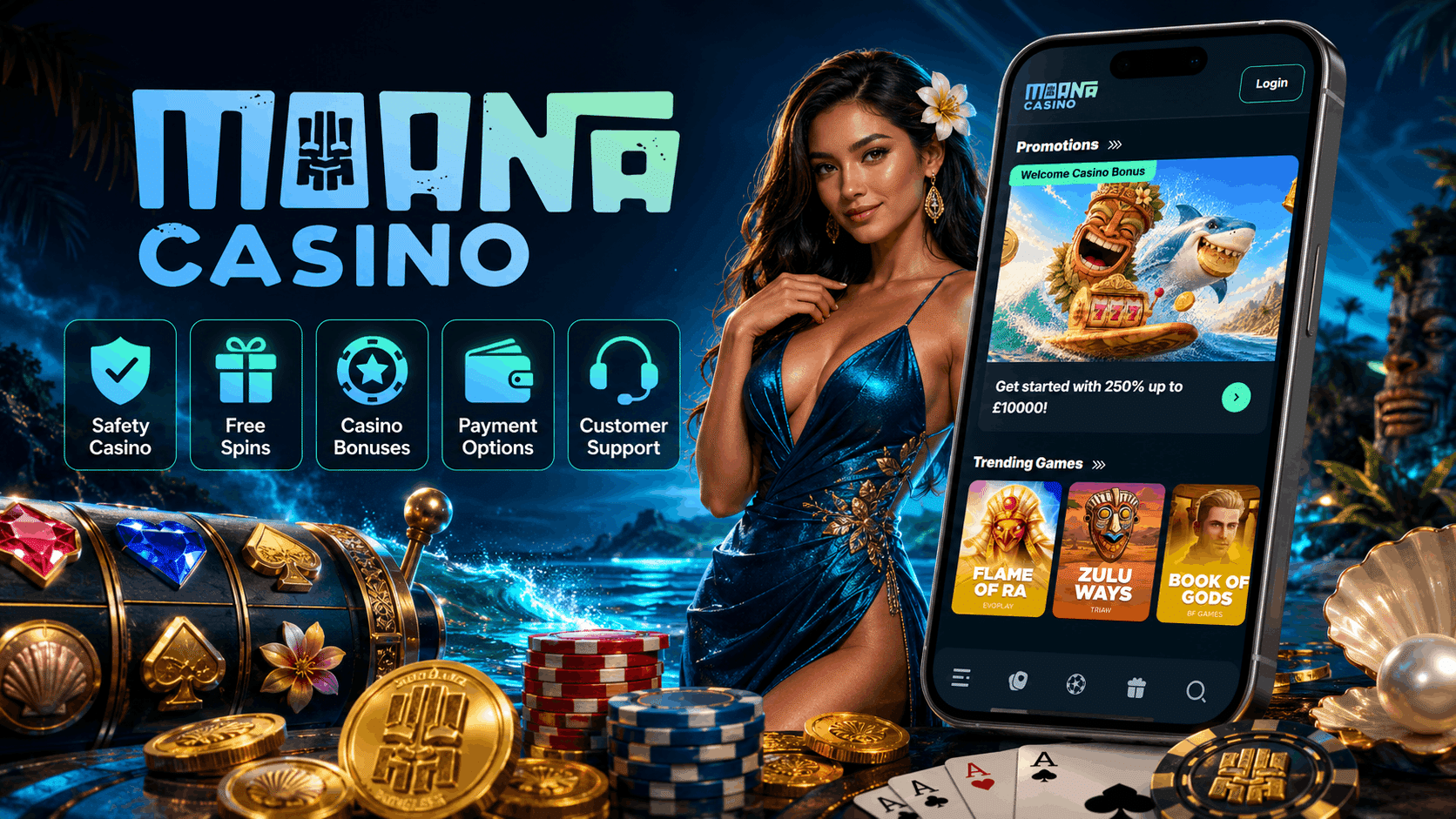
Many gambling sites are designed to work in a mobile browser, so downloading a separate app may not be necessary. If the operator provides an official Android app and is legally available to you, use only the download route linked from its verified website or an official app store listing. Check the publisher name, app permissions, update history, and privacy information before installing. If no verified app is offered, do not treat a similarly named app as genuine.
Browser access
- Update Android and your preferred browser, then open the operator’s verified website.
- Check the domain carefully and confirm that the page’s country and eligibility rules include your location.
- Choose the sign-in option and enter the email address or username and password associated with your account.
- Complete any security check, such as a one-time code, only on the genuine site.
- Sign out when using a shared device, and avoid saving your password on a phone that other people can access.
If the site offers an “add to home screen” shortcut, this generally creates a browser link rather than installing a full native app. It can make access more convenient, but it does not prove that the service is licensed or safe. Check the web address each time, particularly if a shortcut opens a page that asks you to enter credentials.
Installing an official app
Android may warn you when an app is installed outside Google Play. That warning exists because sideloading carries additional risk: an altered package can collect personal information, capture login details, or install unwanted software. Do not disable device protections merely to install a casino app. If the operator’s verified site directs you to an installation file, first check whether that method is lawful and permitted for your location, and whether the operator clearly explains how to verify the file and publisher. When in doubt, use the browser or do not proceed.
There is no safe reason to install a file labelled “Moana Casino login.” Login credentials should be entered only into the confirmed website or a verified official app. A download page that promises guaranteed winnings, asks for payment to unlock the app, or requests excessive device permissions should be treated as suspicious.
Signing in and protecting your account
Use a unique password that you do not use for email, banking, or other gambling accounts. A password manager can help create and store a strong one. If the operator supports two-step verification, enable it and keep recovery information somewhere secure. Never share a verification code with a caller or chat agent, even if they claim that your account will otherwise be closed.
When you sign in, check that your account name and balance appear as expected. If you see unfamiliar transactions, changes to account details, or unexpected verification requests, stop using the account and contact support through the verified website. Do not follow a support link sent by an unknown person. If you suspect that your email account is compromised, secure it as well, since password-reset messages may be sent there.
How online betting sites verify player identity
Identity checks are a standard part of regulated gambling. Depending on the operator and the circumstances, a site may request information such as your full name, date of birth, address, or payment details. It may verify these electronically or ask for documents, for example an identity document and proof of address. The purpose can include confirming age and identity, meeting anti-money-laundering obligations, and checking that the account details match.
Provide documents only through the operator’s secure account area or another verified channel it identifies. Check the privacy notice to understand how personal data is handled, and contact support through official contact details if a request seems unusual. Never send identity documents to a person who contacts you unexpectedly through social media or a messaging app. Verification requirements and timing vary; do not assume that an account is fully verified until the operator confirms it.
Common login problems
A failed login does not necessarily mean that an account has been closed. First check for typing errors, accidental spaces, a changed keyboard layout, or an old password saved by Android. Use the password-reset feature on the verified domain if needed. If you no longer control the registered email or phone number, contact the operator through its official support route; do not create another account to work around a restriction unless the terms explicitly allow it.
Page will not load or the app crashes
Try updating the browser, closing and reopening it, and checking your connection. Clearing a browser’s cached data may resolve a display problem, but it can also sign you out. Do not install an unfamiliar “fix” app or accept a certificate warning to make a gambling page load. If the operator is unavailable in your area, a technical workaround is not an appropriate substitute for checking eligibility.
For an app issue, verify that the app came from the official source and is still supported. Review its update date and publisher details. If the official source no longer provides it, remove the app rather than searching for an older copy on a download mirror. On a shared phone, remove stored credentials and review Android’s app permissions.
Responsible play and UK-specific considerations
Only gamble if you are legally old enough and the operator is authorised to serve your location. Set a budget and time limit before playing, and never treat gambling as a way to earn income or recover losses. If the operator offers account limits, time-outs, or self-exclusion, learn how they work before depositing. A regulated operator should provide access to safer-gambling tools and information, but these features do not remove the risks of gambling.
If gambling is causing stress, debt, or conflict, stop and seek support. In the UK, GamCare provides confidential information and support through its official channels. You can also speak with a trusted person or contact a relevant health service. If you have concerns about an operator’s conduct, use the appropriate regulator or consumer-protection route rather than relying solely on the casino’s own claims.
Questions and answers
Can I download Moana Casino from Google Play?
That depends on whether a genuine app is currently listed for your region. Check the publisher and follow a link from the operator’s verified website. A search result or similarly named listing is not enough to establish authenticity. If no official listing exists, do not install an imitation.
Do I need an app to use the Moana Casino login?
Not necessarily. Some casino websites are optimised for mobile browsers and can be accessed without installing software. Use the verified website, confirm that it accepts players in your location, and avoid unofficial app files.
Why is the site asking me to prove my identity?
Operators may need to confirm age, identity, address, or payment ownership. Submit requested information only through an authenticated, secure channel and consult the privacy notice. If the request appears suspicious, verify it with support using contact details from the official site.
What should I do if I cannot log in?
Check your credentials and use the official password-reset process. If you suspect unauthorised access, secure your email account and contact verified support promptly. Do not share your password or one-time codes with anyone.
Final checklist
Before attempting a Moana Casino login on Android in the UK, verify that the operator is legitimate, check whether it is authorised to serve your location, and confirm that the website or app is official. A mobile browser may be the simplest option, but neither an app nor a login page guarantees regulatory approval. Protect your account with a unique password, handle identity requests carefully, and do not install unknown APKs. If you cannot confirm the operator’s status or the authenticity of its download, do not proceed.